
The story maker app for kids, on every device
Make a personalized, illustrated story in your phone or tablet browser. Then listen to it, and to whole playlists of stories, in the free StoryBee app.


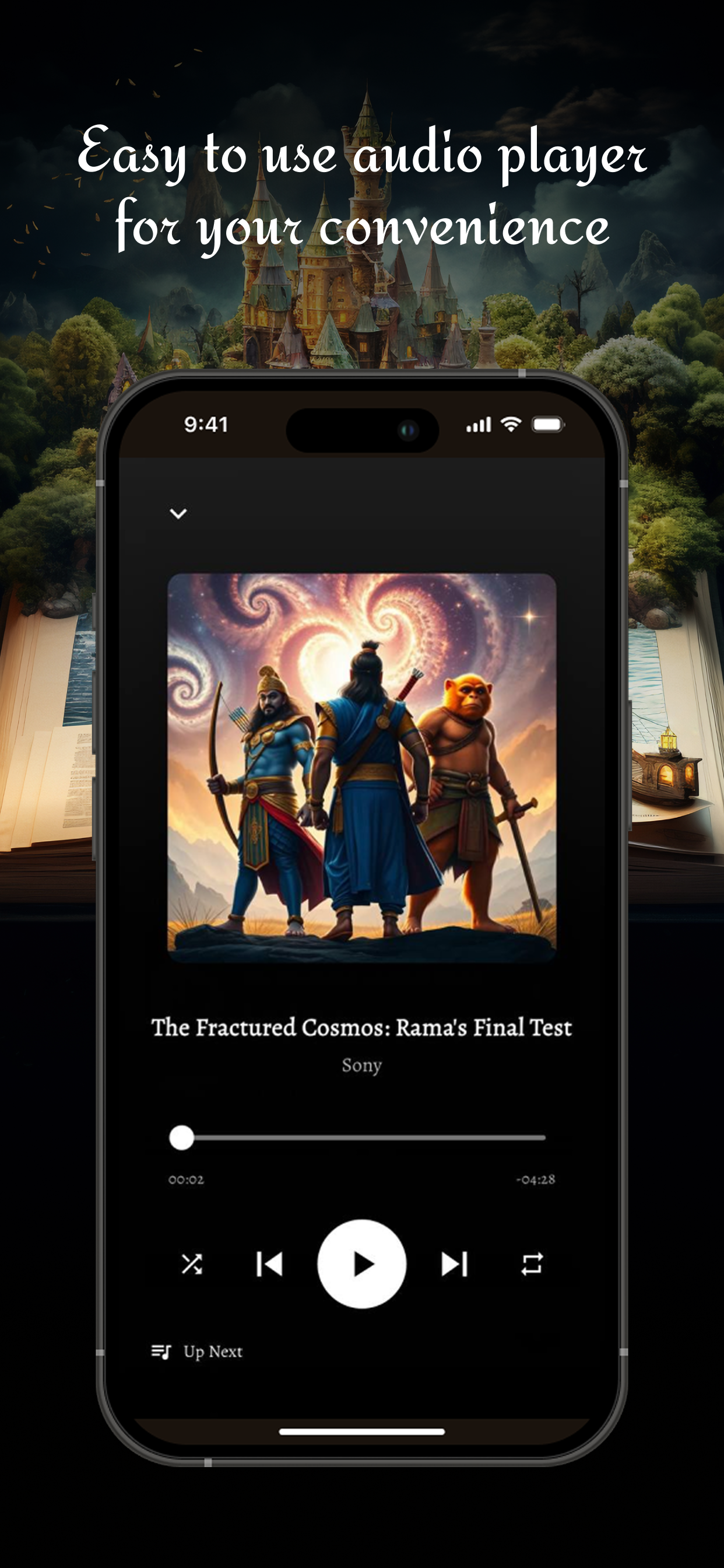
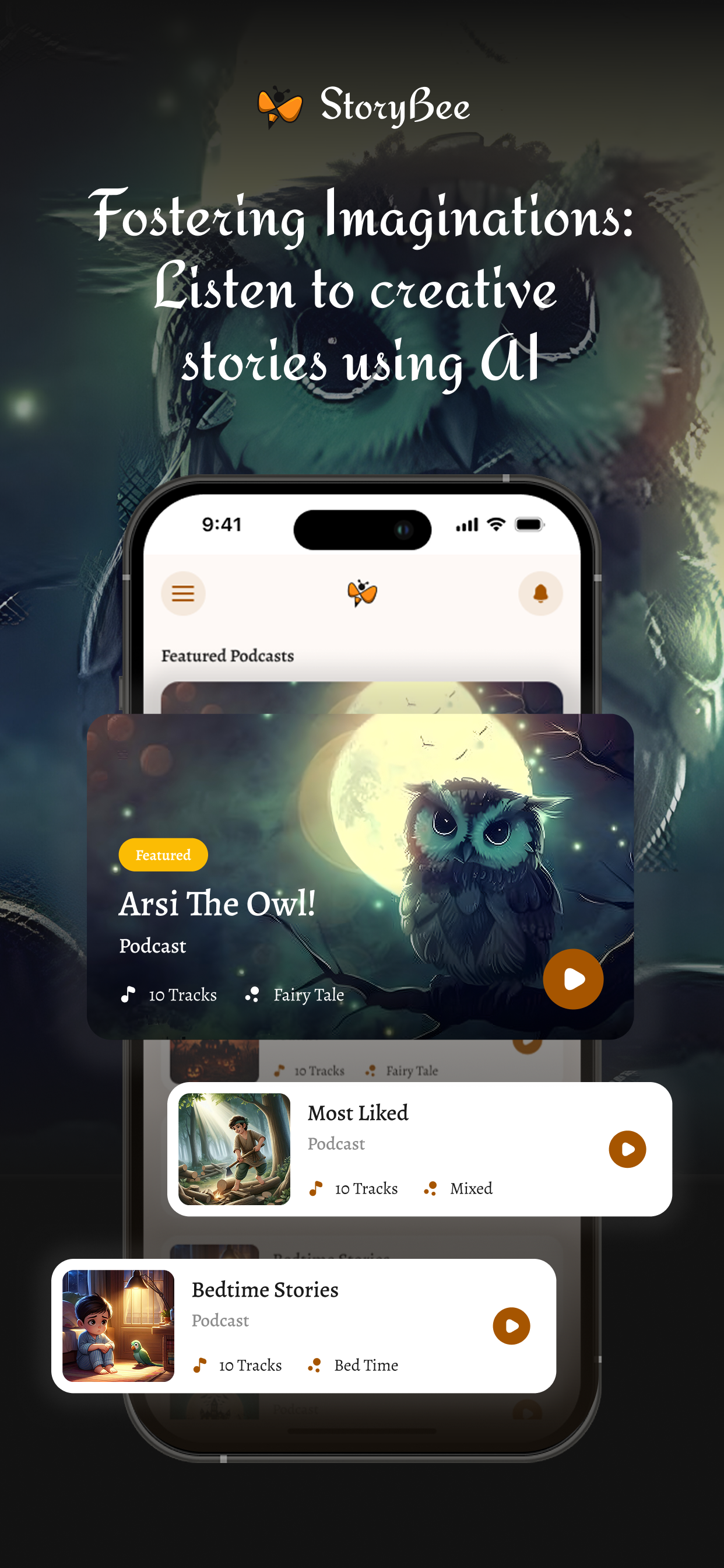
Make it on the web, listen in the app
- Step 1
Make the story in your browser
Open storybee.app on your phone, tablet or computer, type an idea and pick an age, genre and language. Your illustrated story is ready in about a minute. Nothing to install.
- Step 2
Listen in the StoryBee app
The free app plays stories made on StoryBee with AI narration, so bedtime can be screen-free: press play and turn the lights down.
- Step 3
Build playlists and share
Queue stories into playlists for a whole evening of listening, and share stories or playlists with family.
What the app does
- AI narration for every story
- Playlists for continuous listening
- Playback speed control
- Search stories by title and genre
- Share stories and playlists
StoryBee App FAQ
Yes. The free StoryBee app is on the App Store for iPhone and iPad and on Google Play for Android. It plays stories made on StoryBee.
For more detailed information please visit StoryBee Help Center