Snap the Drawing
Take a clear, well-lit photo of the artwork and upload it in the story creator. JPG, PNG, and WEBP images all work.

Upload a photo of their artwork, add a sentence about it, and StoryBee creates a narrated, illustrated story built around what they drew.
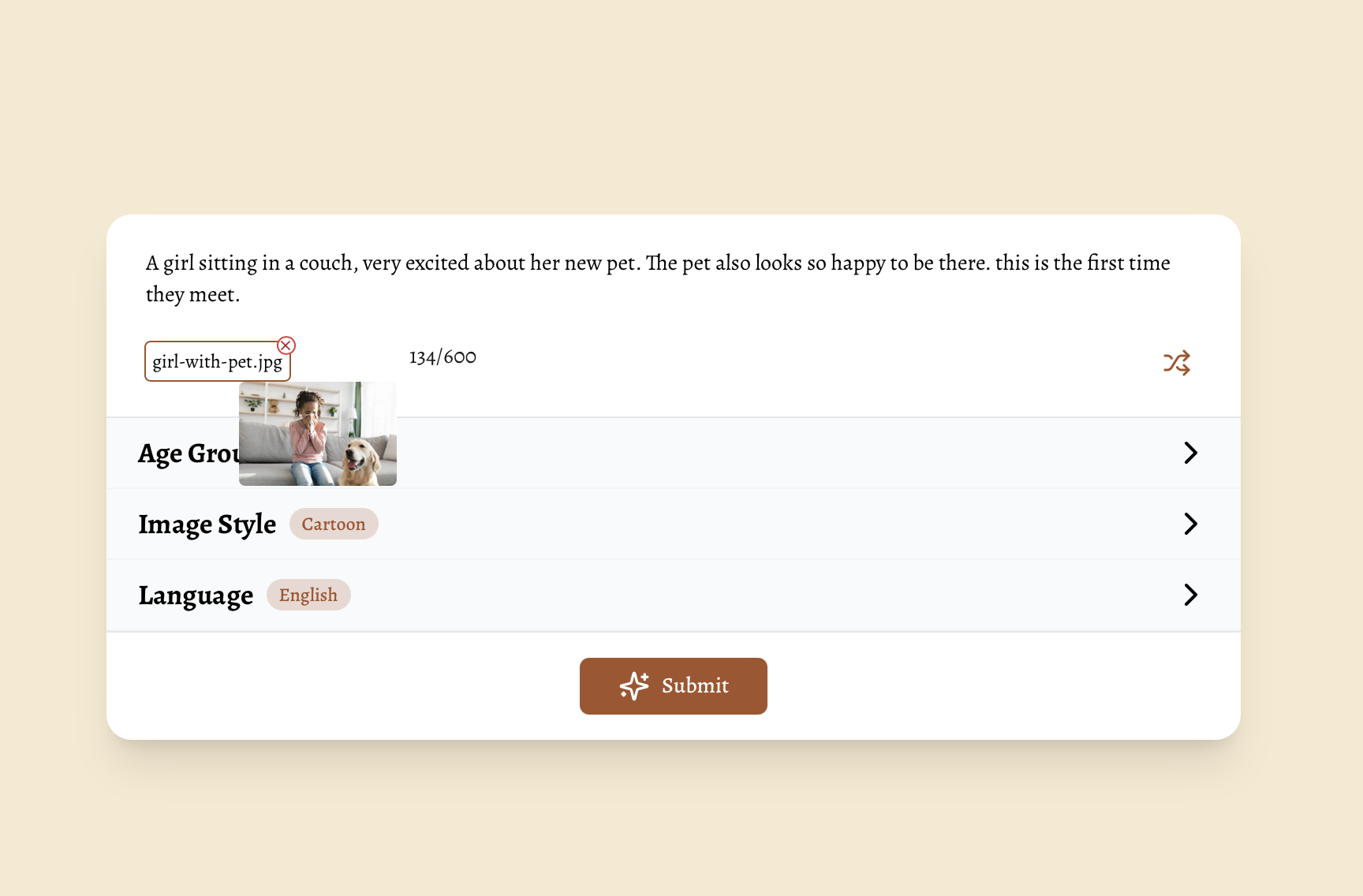
Your child's imagination does the hard part. StoryBee turns it into a story they can watch, read, and keep.
Take a clear, well-lit photo of the artwork and upload it in the story creator. JPG, PNG, and WEBP images all work.
In a sentence or two (up to 600 characters), tell StoryBee what is happening: who the characters are and where the adventure goes.
StoryBee writes a story around the drawing, with illustrations and narration, plus a video you can download and share.
Real Visual Stories created by StoryBee families around the world, each one built from a picture.
Give the monster, rocket, or family portrait on the fridge a story of its own, before the paper fades.
Turn a birthday drawing or holiday card into a story the whole family can watch together.
Share a narrated story video of your child's artwork with grandparents and relatives far away.
Signing up is free — no credit card needed. Creating Visual Stories from drawings and photos requires an active paid plan. See our pricing page for details.
For more detailed information please visit StoryBee Help Center
Signing up is free and takes less than a minute — no credit card needed. Paid plans unlock story generation and voice cloning.