The story maker app that puts your child in the story
Make tonight's story from the sofa. Type or say an idea, make your child the hero, pick an art style and press play. Everything StoryBee does on the web, in your pocket.
Coming soon to the App Store and Google Play
Narration and your own voice are part of paid plans.
Make a story in three steps
- Step 1
Tell it the idea
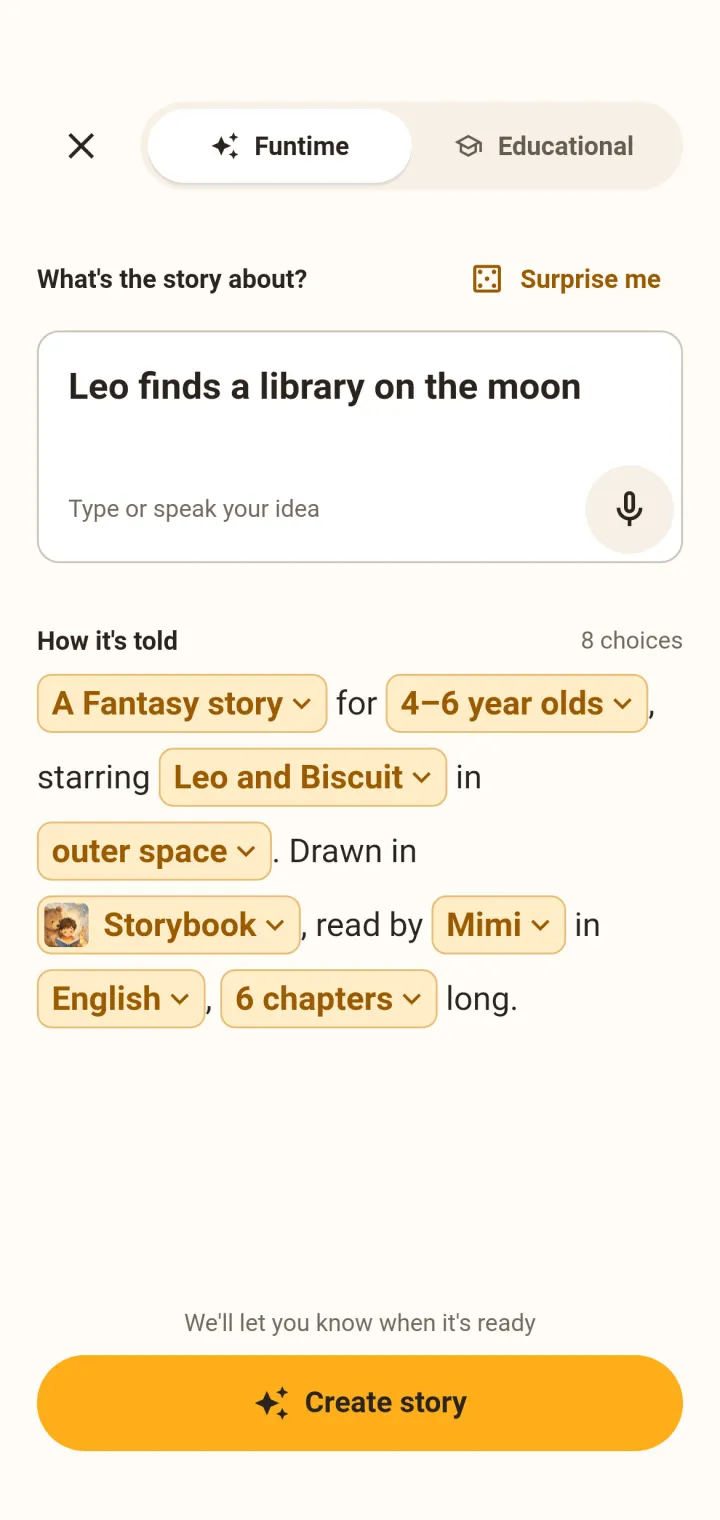
Type it or say it out loud. Add an age, a genre and a language if you like.
- Step 2
Pick the hero and the look
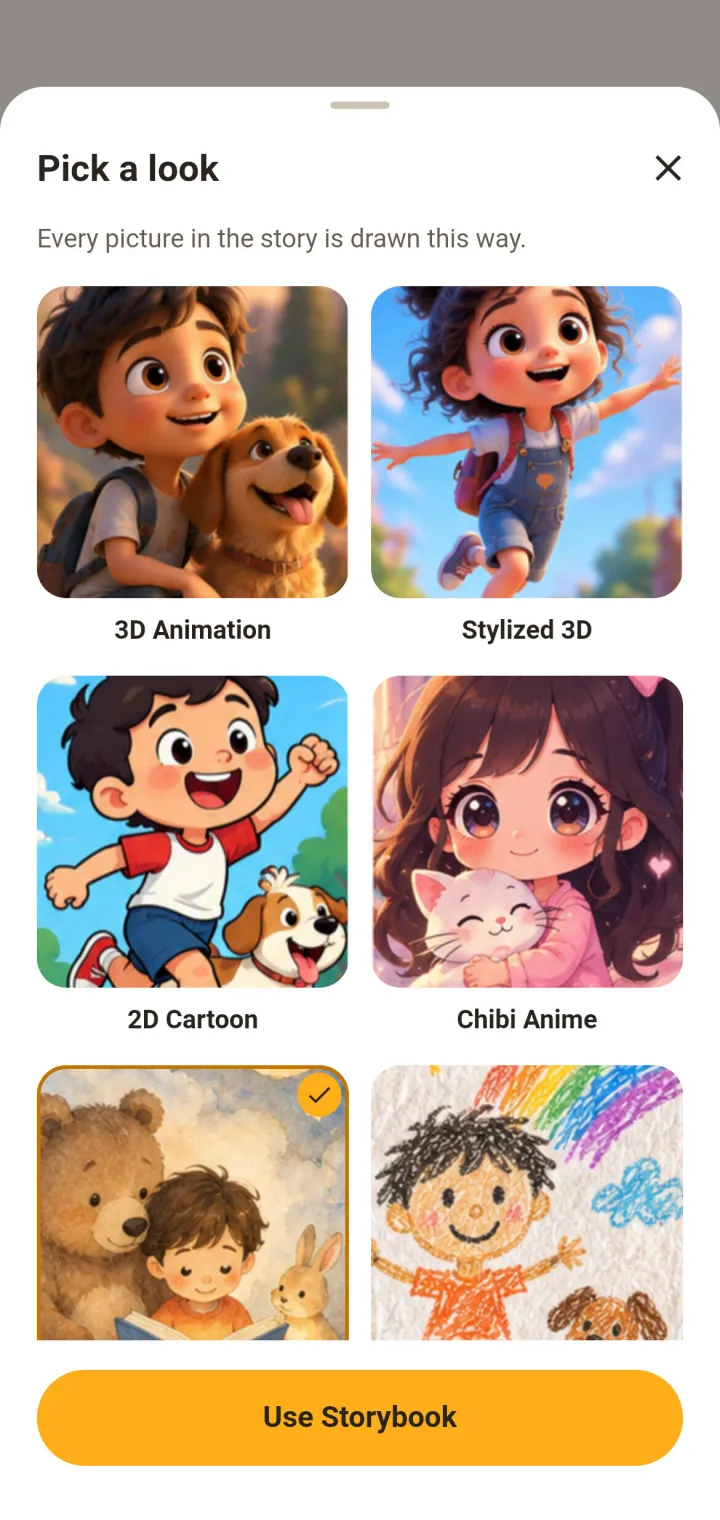
Choose your child as the main character and one of ten art styles.
- Step 3
Press play
Read the illustrated story together, or play it in your voice and turn the lights down.
What you can do in the story maker app
Type or say an idea
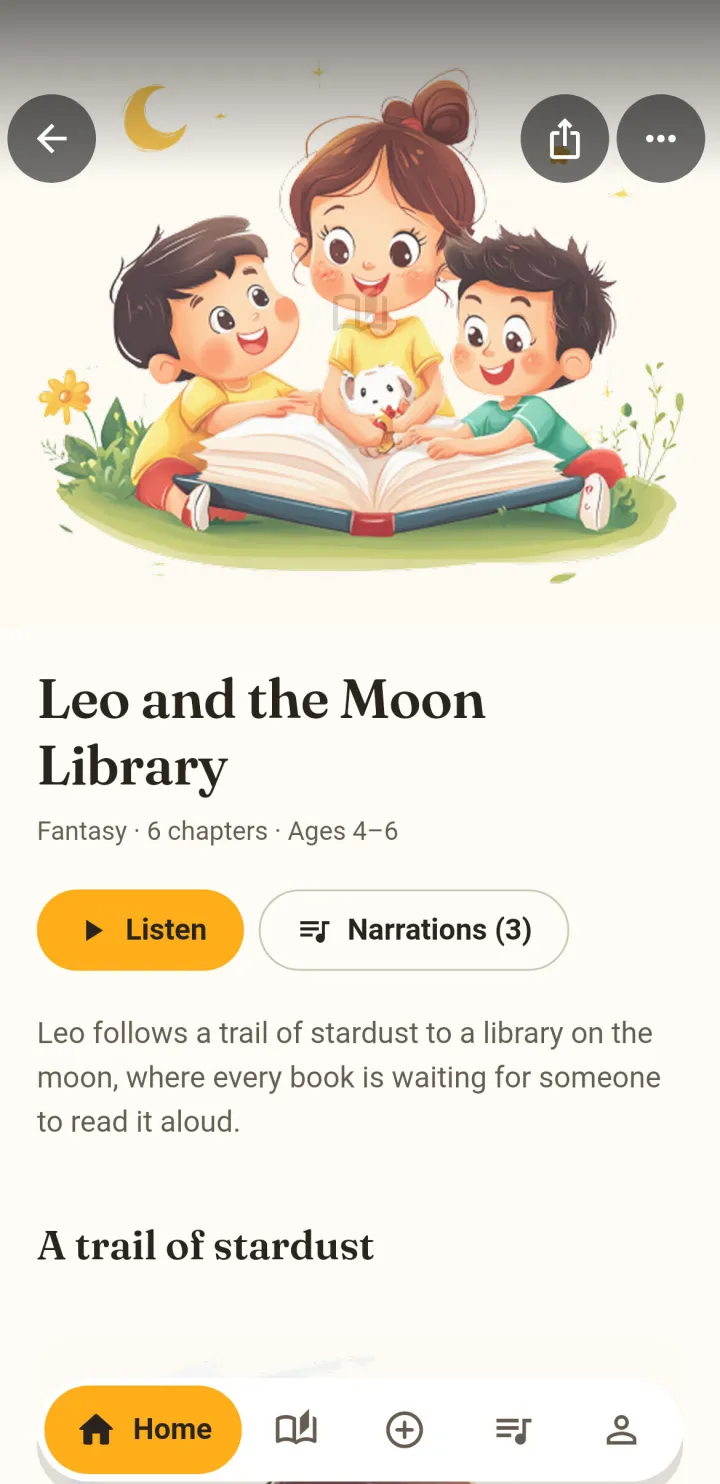
A sentence is plenty. "Leo finds a library on the moon" becomes an illustrated story in about a minute.
Your child as the hero
Add your child once with a picture and a name, and they can star in any story you make.
Ten art styles
Choose how the pictures look from ten art styles, classic Storybook included.
Read in your voice
Record a short passage once and stories are narrated in your voice, even on nights you are away. Or pick one of three narrators.
Turn a "why?" into a story
Educational mode answers questions like why leaves change colour in autumn, as a story.
Stories play back to back
Line up tonight's stories and the next one starts on its own.
A look inside the app
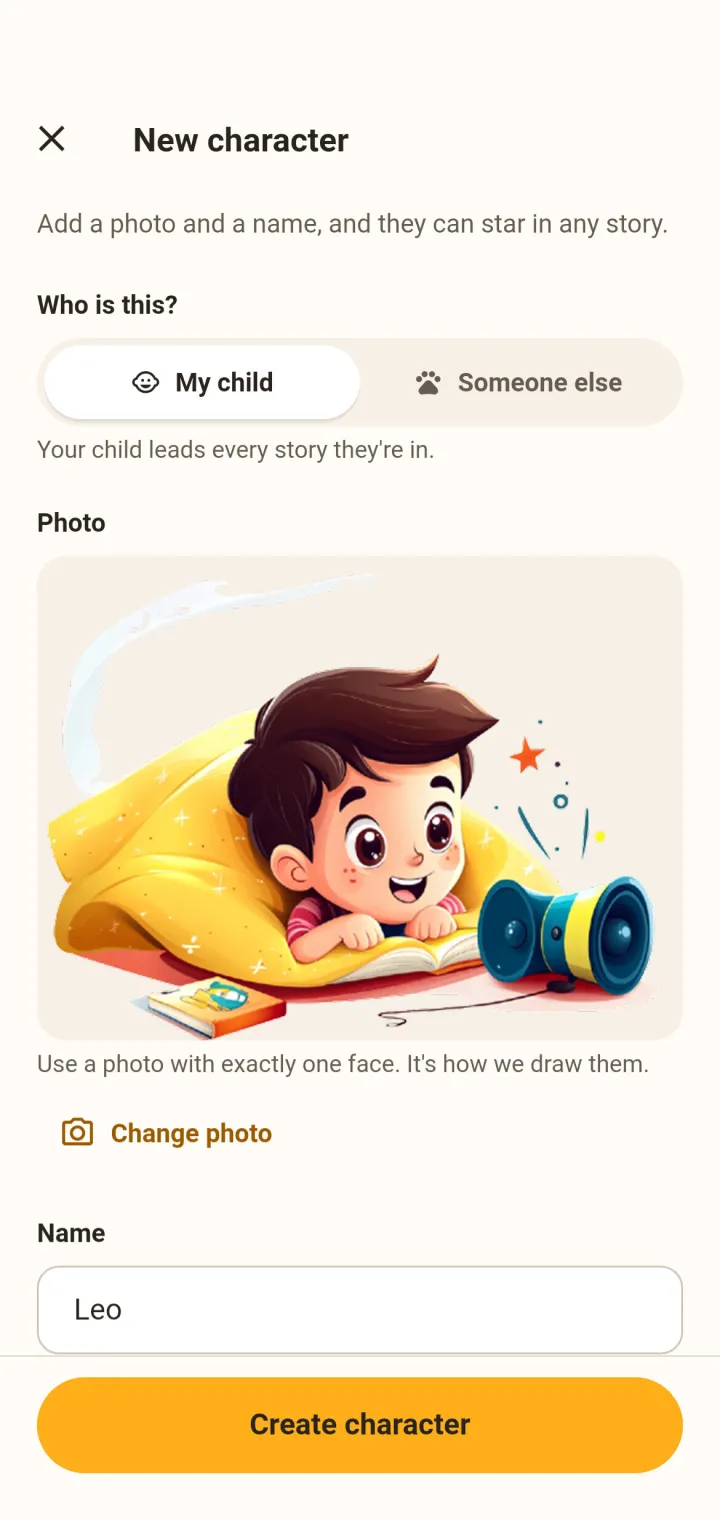
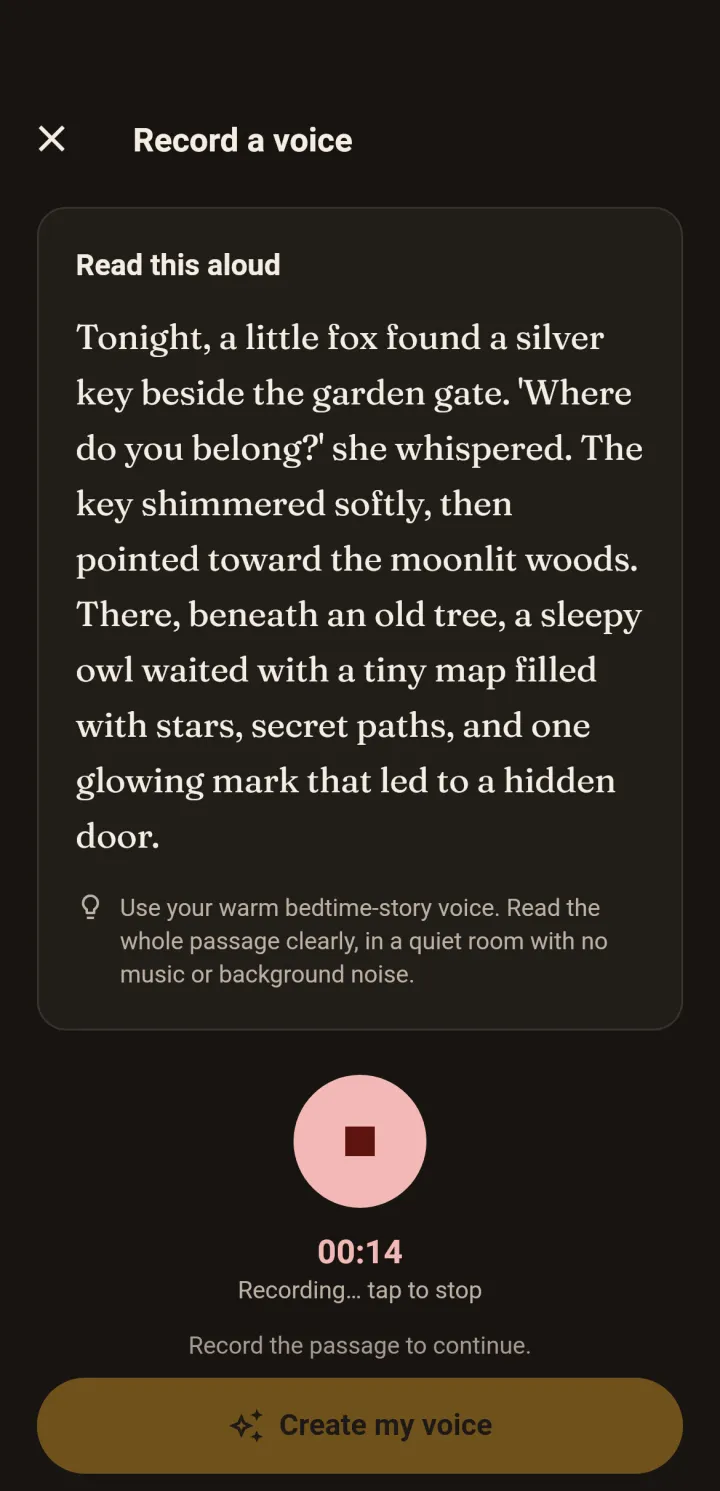
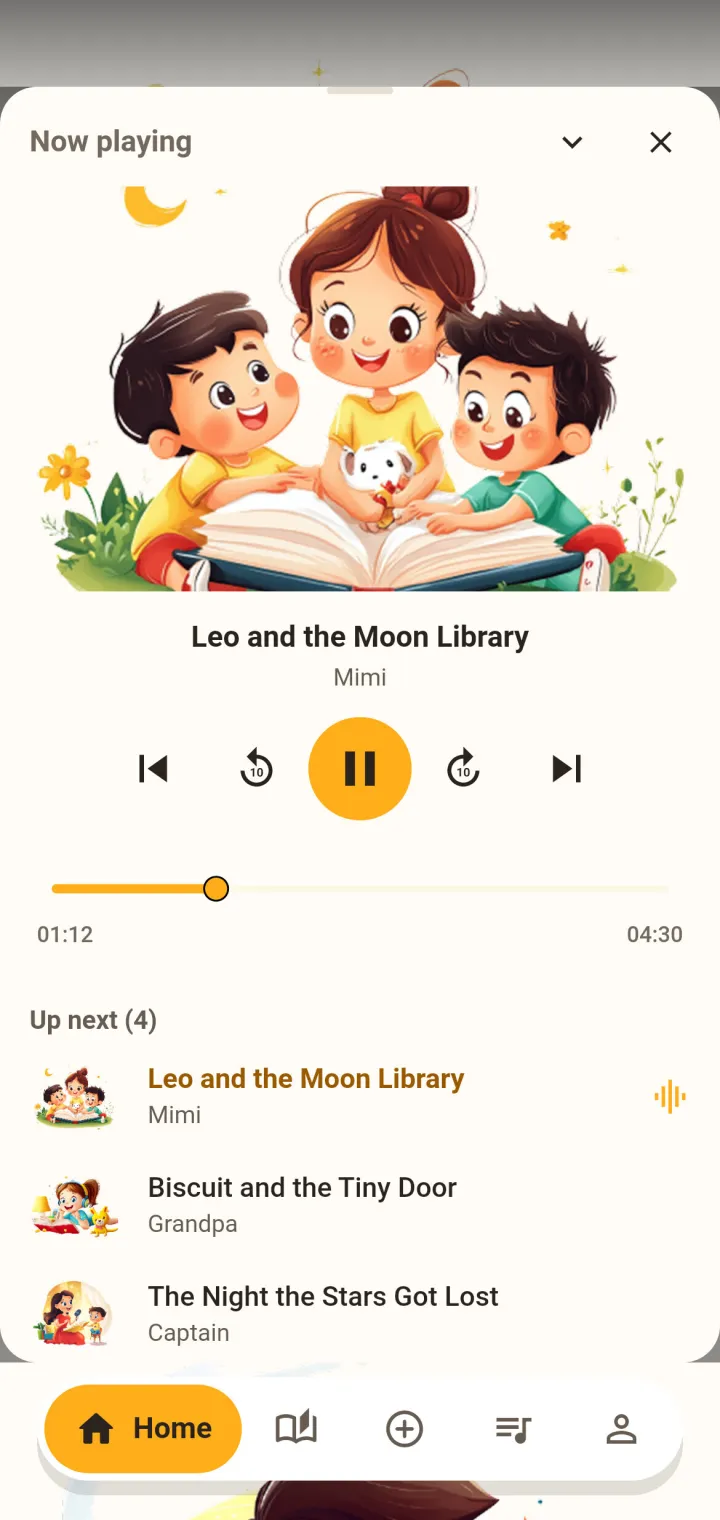
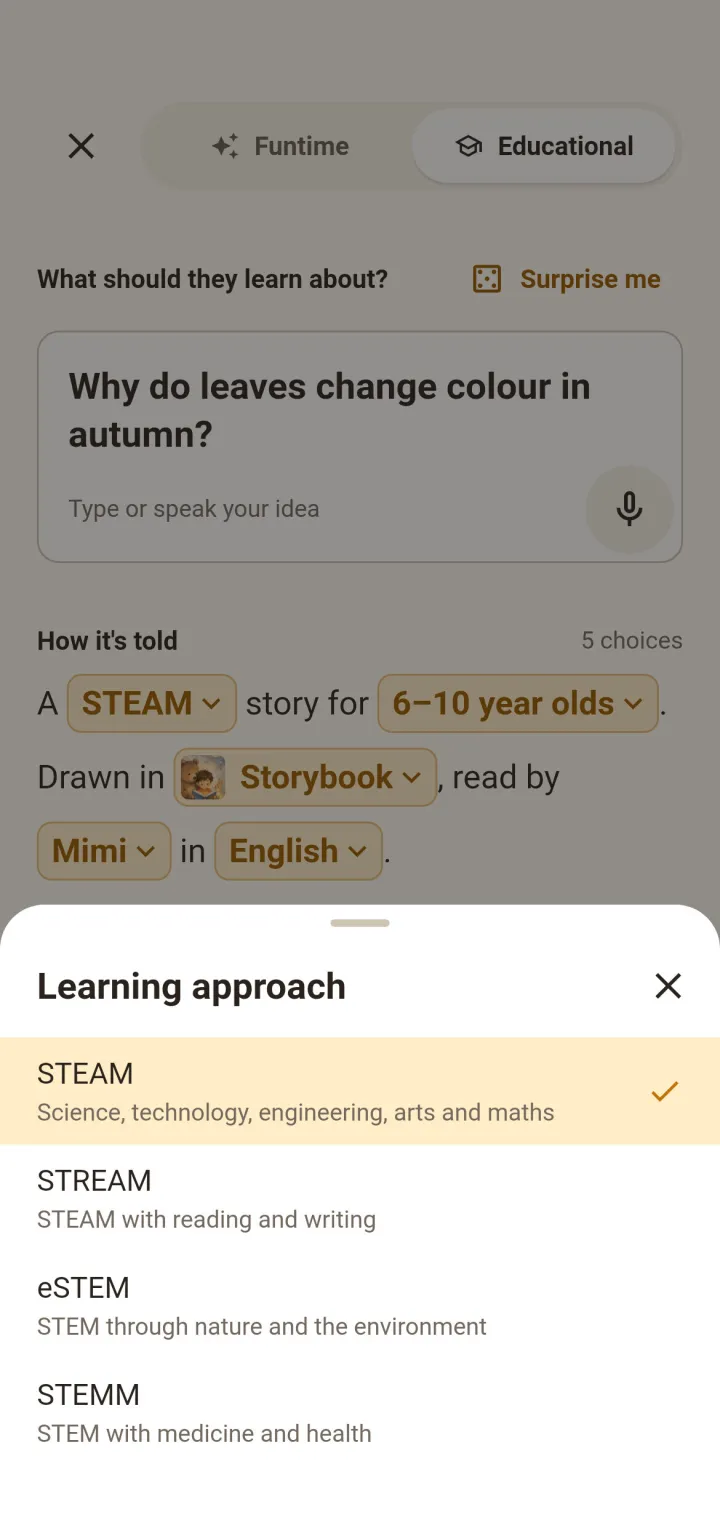
Story Maker App FAQ
Yes, today in your phone's browser at storybee.app. StoryBee Story Maker brings the same tools to an app for iPhone, iPad and Android.
For more detailed information please visit StoryBee Help Center
More StoryBee apps
- Available now
StoryBee Listen
For bedtime listening
Play your StoryBee stories with narration, line them up in playlists and turn the screen off.
- Narrated stories
- Playlists for the whole evening
- Speed control and sharing
- Closed beta
StoryBee Reader
For children reading on their own
A shelf of books you pick for your child, with read-along highlighting, words to learn and questions.
- Read-along highlighting
- Only the books you choose
- Reads offline